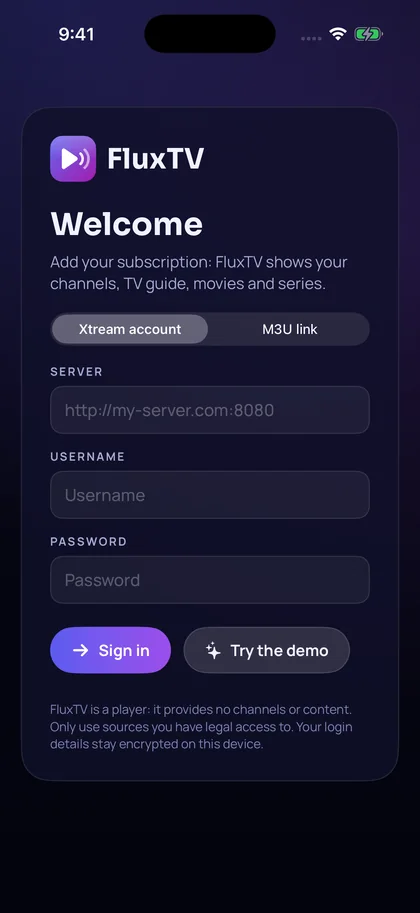
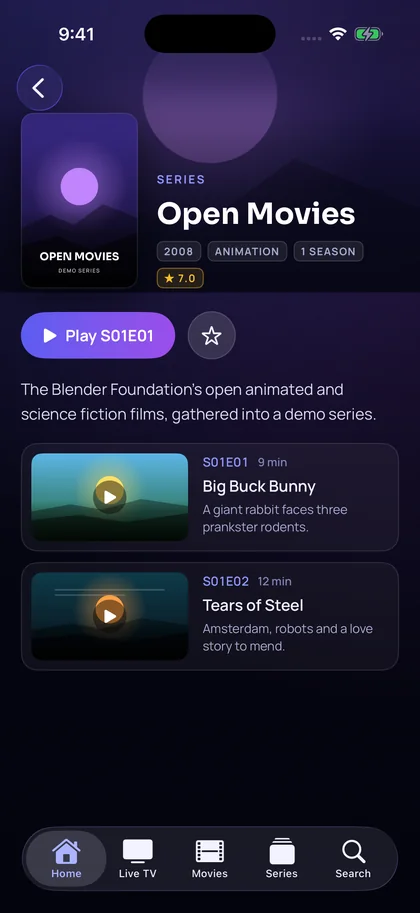
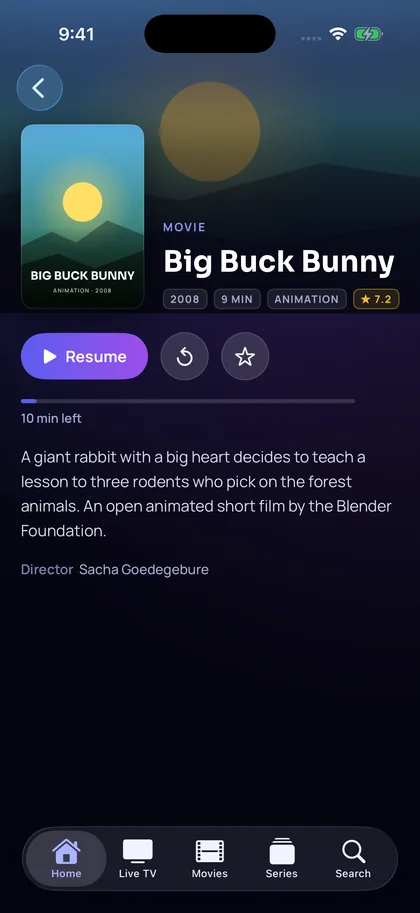
Live TV and TV guide
Current and upcoming programs, progress bar, catch-up on the channels that offer it.
IPTV Player
Your channels deserve a real player.
Live TV, program guide, movies and series that resume to the minute. Everything works with a gamepad or a remote, right from the couch.
The app
Big posters, text you can read from across the room, a clear focus: you browse FluxTV with the arrow keys and always know where you are.
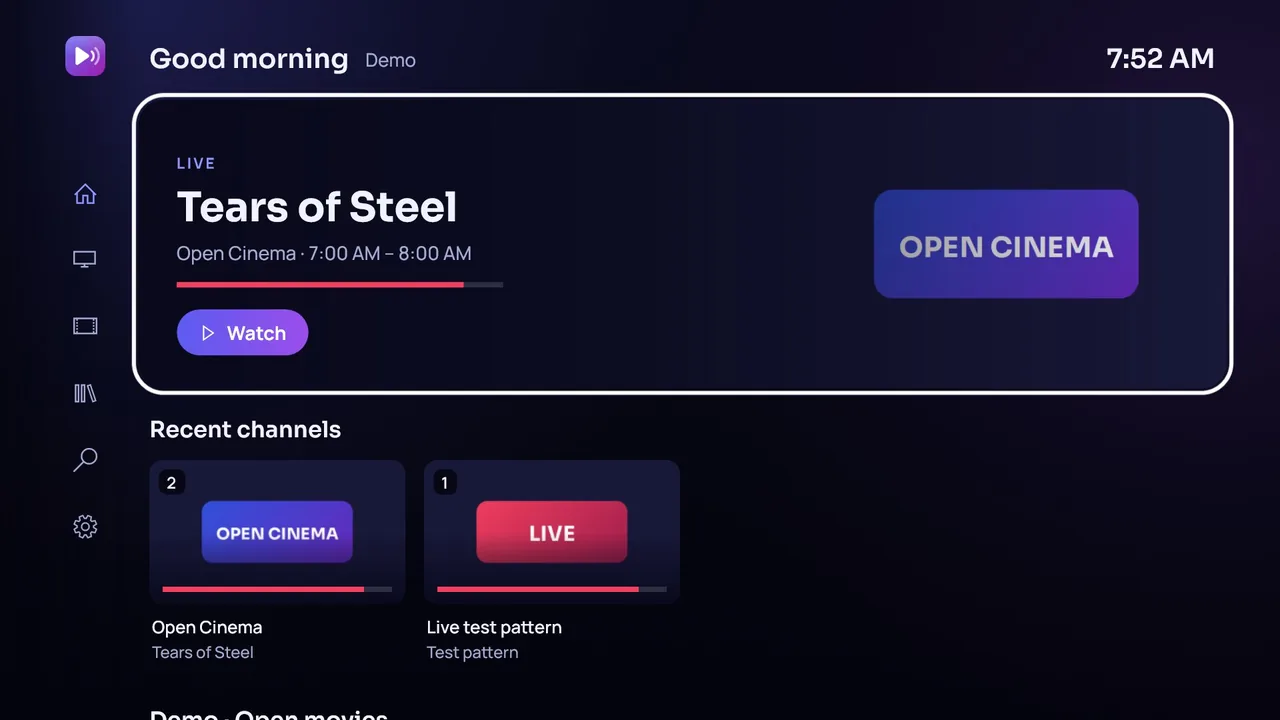
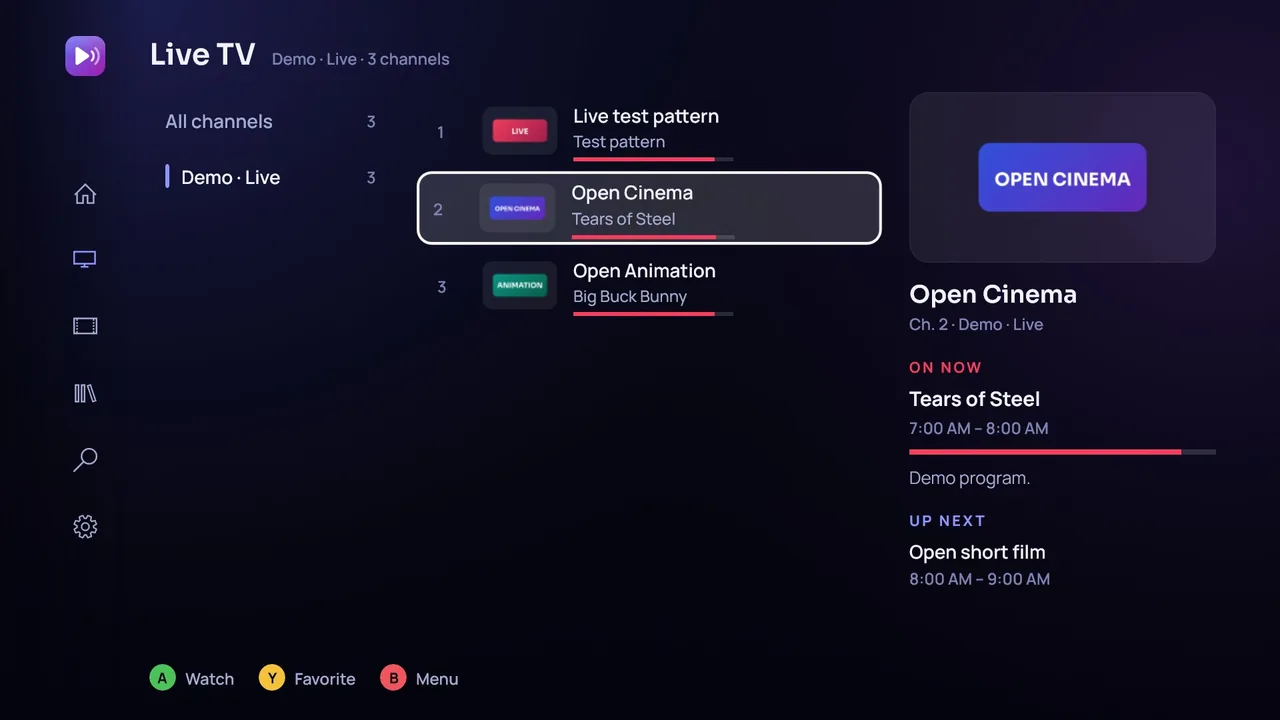

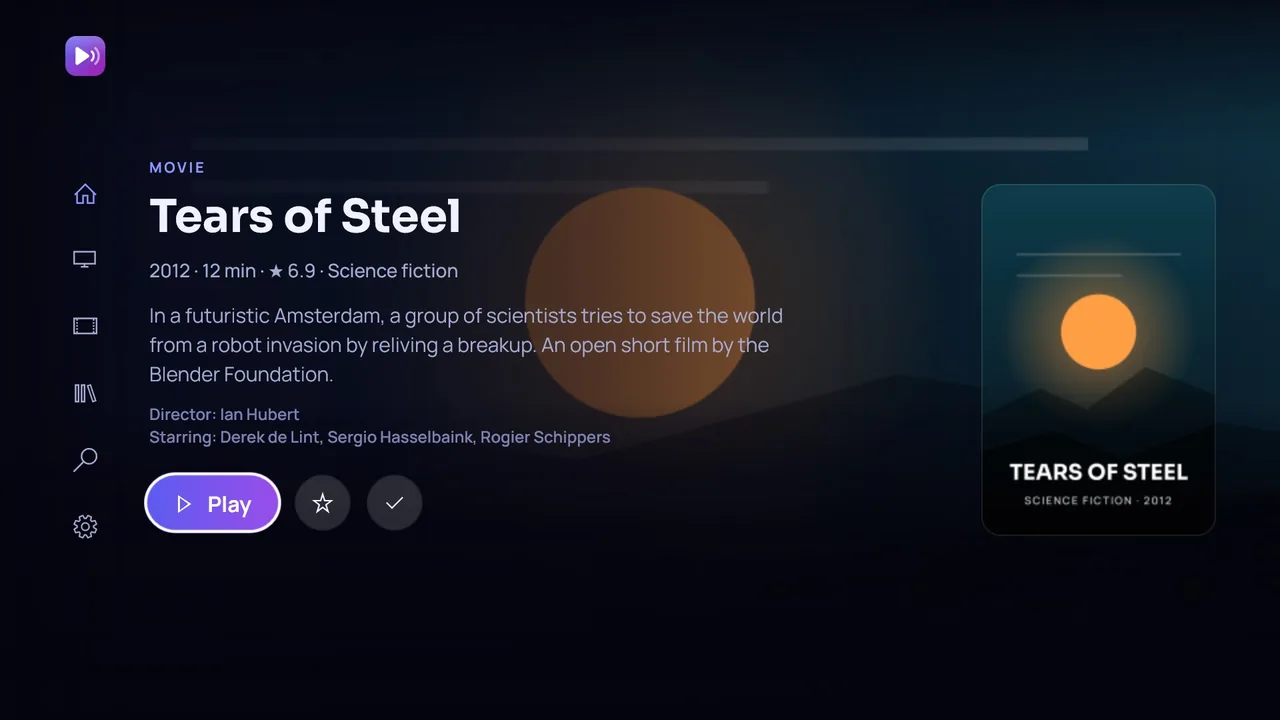
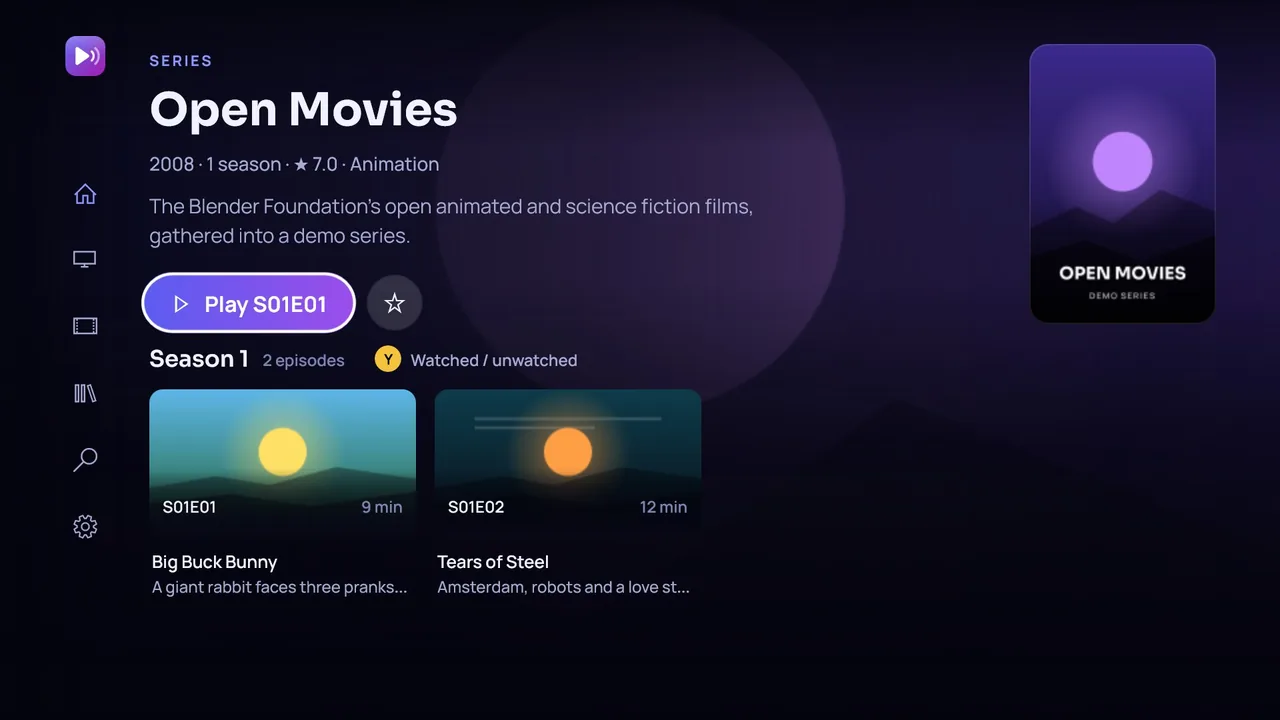
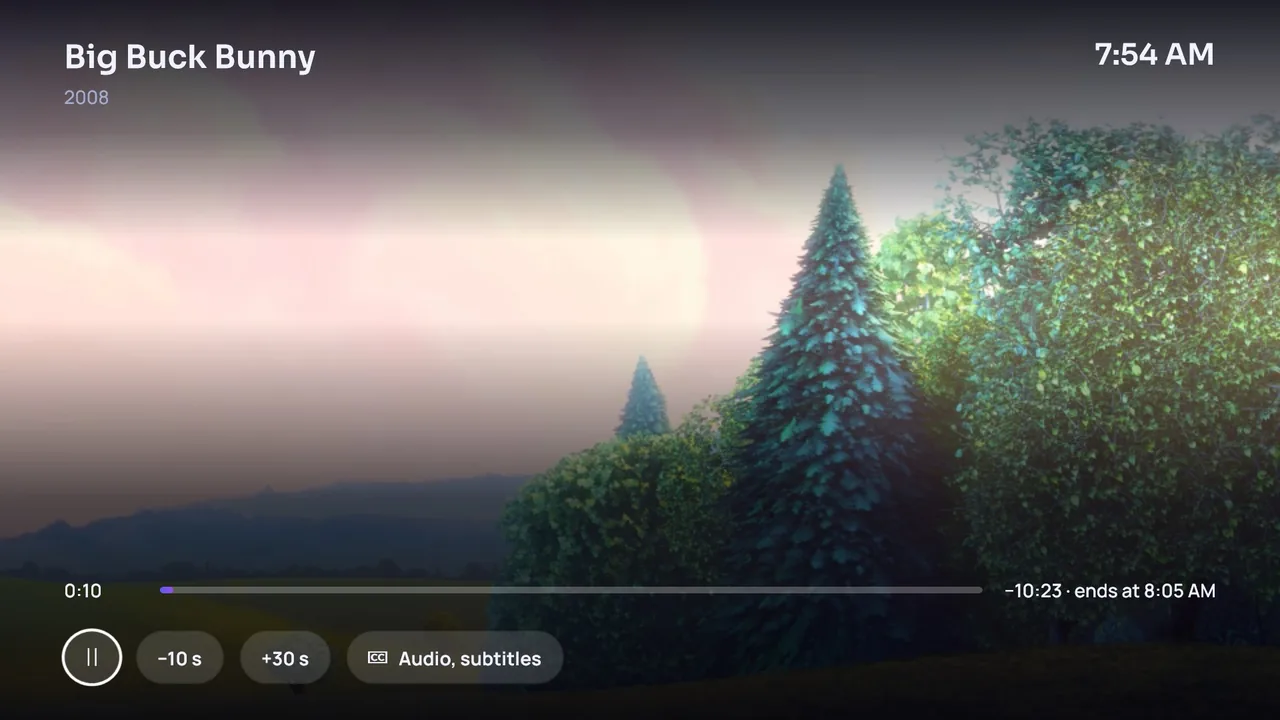
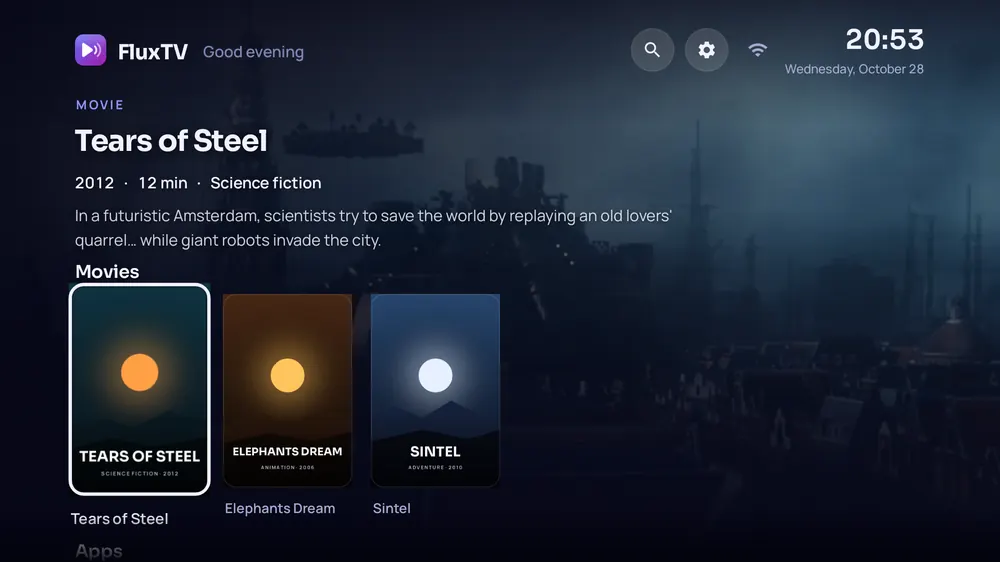
Screenshots of FluxTV Player on Xbox, in demo mode (open movies from the Blender Foundation).
Features
Current and upcoming programs, progress bar, catch-up on the channels that offer it.
Big posters, detailed pages, resume exactly where you left off, the next episode starts on its own.
Everything works with the arrow keys: zapping, search, player options. Mouse and keyboard on PC.
Your TV switches to 24, 50 or 60 Hz to match the video: no more stutter in panning shots.
No data collection, no ads, no tracking. Your login details stay encrypted on your device.
Demo mode opens a live test pattern and open movies, so you can explore the app right away.
iPhone · iPad · Android
The same app on phones and tablets: one-handed navigation, detailed pages, a full-screen player and demo mode to try it right away.
Download
Free, with no ads and no FluxTV account. You need your own IPTV subscription (Xtream account or M3U playlist), or demo mode to try it out.
Xbox Series X|S and Xbox One. The app is called FluxTV Player on the Microsoft Store.
Get it on the Microsoft StoreAutomatic updates through the Store.
Windows 10 and 11. The same app as on Xbox, with a mouse, keyboard or gamepad.
Get it on the Microsoft StoreSigned by Microsoft, no security warning.
Google TV, Android TV, Fire TV, Xiaomi TV Box, Chromecast, Shield, Android 7.1+ phones and tablets. Download movies and episodes to watch them offline.
Download the APK 8.3.0 · 3 MBmkzrt22.github.io/apkIf the short address doesn't work, the full one does: mkzrt22.github.io/FluxTV-iOS/fluxtv.apk. Phone or tablet: open this link in your browser and allow the installation. Fire TV devices running Vega OS (Fire TV Stick 4K Select, Fire TV Stick HD 2026) can't install Android apps.
Until it's on the App Store, you install the app from a computer with your Apple ID.
With a free Apple ID, the app has to be reinstalled every 7 days (Sideloadly can do it automatically).
FluxTV Home
FluxTV Home replaces the home screen of an Android TV, Google TV or Fire TV box. When you switch it on and every time you press Home, you land on your TV, not on ads.
New in 8.1: a completely redesigned home screen.
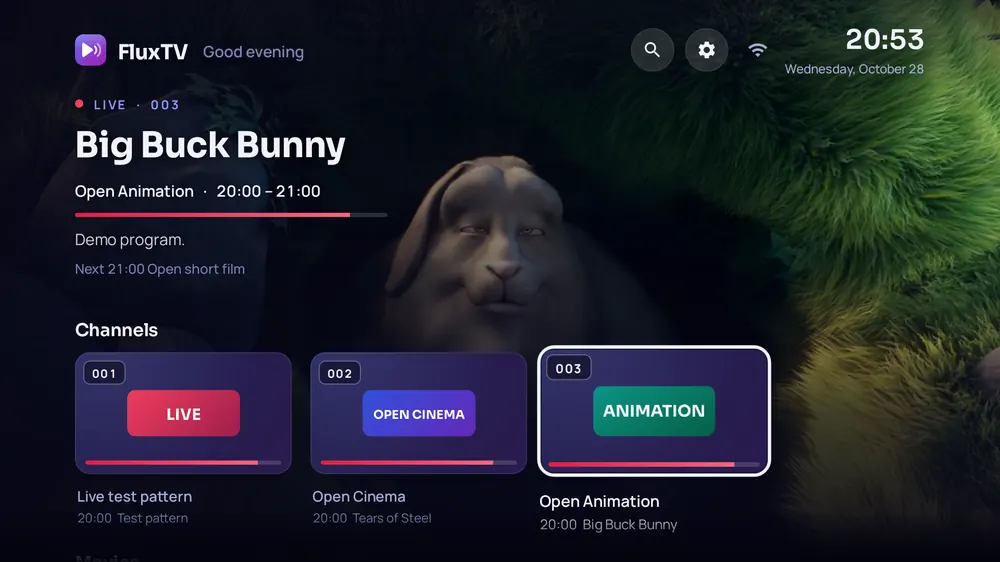
The selected channel plays full screen behind the home screen, muted. It stops as soon as a video starts: only one connection used.
Backdrop, synopsis, year, running time and rating for every movie. “Continue watching” picks up right where you left off.
Your apps, search, the box settings, and channel numbers typed straight on the remote.
After 4 minutes without touching the remote, your movie images drift by with a big clock.
The assistant doesn't read anything on screen: it is only notified when the Amazon or Google home screen appears, and opens FluxTV Home instead. The ⚙ button in FluxTV Home › “Fire TV Home” or “Google TV Home” takes you back there for 5 minutes.
Support
FluxTV is a spare-time project by an independent developer. If the app is useful to you, a small donation helps pay for the app store developer accounts and upcoming features.
Any amount, no account needed. It doesn't unlock anything: FluxTV stays completely free for everyone.
No budget? Share FluxTV or leave a rating on the Microsoft Store: it helps just as much.
FAQ
Yes. FluxTV plays an Xtream Codes account or an M3U playlist from your provider. Without a source, demo mode lets you explore the app with a live test pattern and open movies.
Yes, completely: no FluxTV subscription, no ads, no account to create. Only your IPTV subscription, with your provider, may cost money. A voluntary donation supports the project, without unlocking anything.
Yes: FluxTV is a media player, like VLC. What matters is what you watch: only use subscriptions and playlists you have legal access to.
Not directly: Samsung (Tizen), LG (webOS) and Hisense (VIDAA) TVs can't install Android apps. Plug in an Android TV box, a Fire TV, a Chromecast with Google TV or an Xbox. TVs running Android TV or Google TV (Sony, Philips, TCL, Xiaomi…) install FluxTV directly.
With the free Downloader app: enter the address mkzrt22.github.io/apk, install, and you're done. All the steps are in the Android TV · Fire TV card.
English and French, on every device. The language is asked at first launch (your device's language is suggested) and can be changed anytime in Settings.
No. FluxTV is a player: it doesn't provide, host or sell any channels, movies or subscriptions. Only use it with sources you have legal access to.
The name “FluxTV” was already taken on the Store. It's the same app, with the same interface and the same demo mode.
Nowhere but to your provider. They are stored encrypted on your device and only sent to your server. FluxTV collects no data.
Xbox and PC: through the Microsoft Store. Android: when FluxTV starts, a small window offers the new version, which installs in one click (on Google TV, FluxTV can also update itself in the background). iPhone: download the new IPA and reinstall it with Sideloadly.
Yes: favorites, resume points and history are tied to channels and movies, not to the server address.
Answers to common issues (channel cutting out, empty guide…) and the contact address are on the Help page.
Privacy